Brand book
How Privatize looks and sounds.
The logo, app icon, colors, type and words that make Privatize look like itself. Download the kit, then use it the way this page shows.

01 · Logo
The logo
The swirl with its lock, beside the name. Use it wherever there's room for both. Use the dark logo on light backgrounds and the white one on dark backgrounds.

02 · Mark
The swirl and its lock
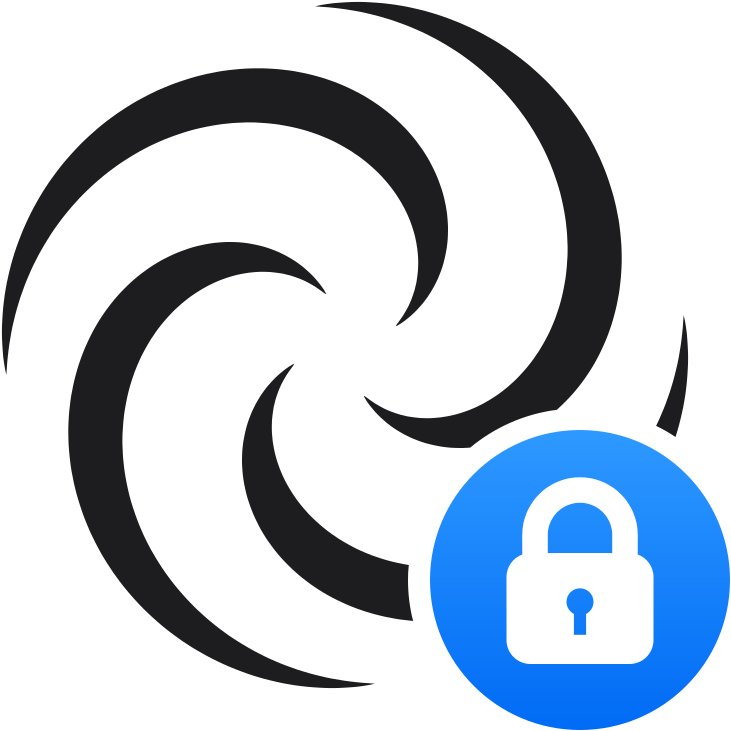
Four tapered blades turning clockwise, with a blue lock at the bottom right. Code draws it from the same numbers as the app icon, so every copy matches. Never redraw it.


Use the swirl without the lock only where the lock would be too small to see, or where only one color can be printed.
Clear space
Leave space on every side at least a quarter of the mark's width. Nothing else goes inside it, not even text.
Smallest sizes
On screen: the mark 24 px, the logo 96 px wide. In print: 8 mm and 30 mm. Below 24 px, use the swirl alone.
03 · App icon
The app icon
The swirl on light grey, with the lock in its corner. iPhone shows the dark or tinted version when people choose them. Use the icon as it is, with no frame or shadow of your own.
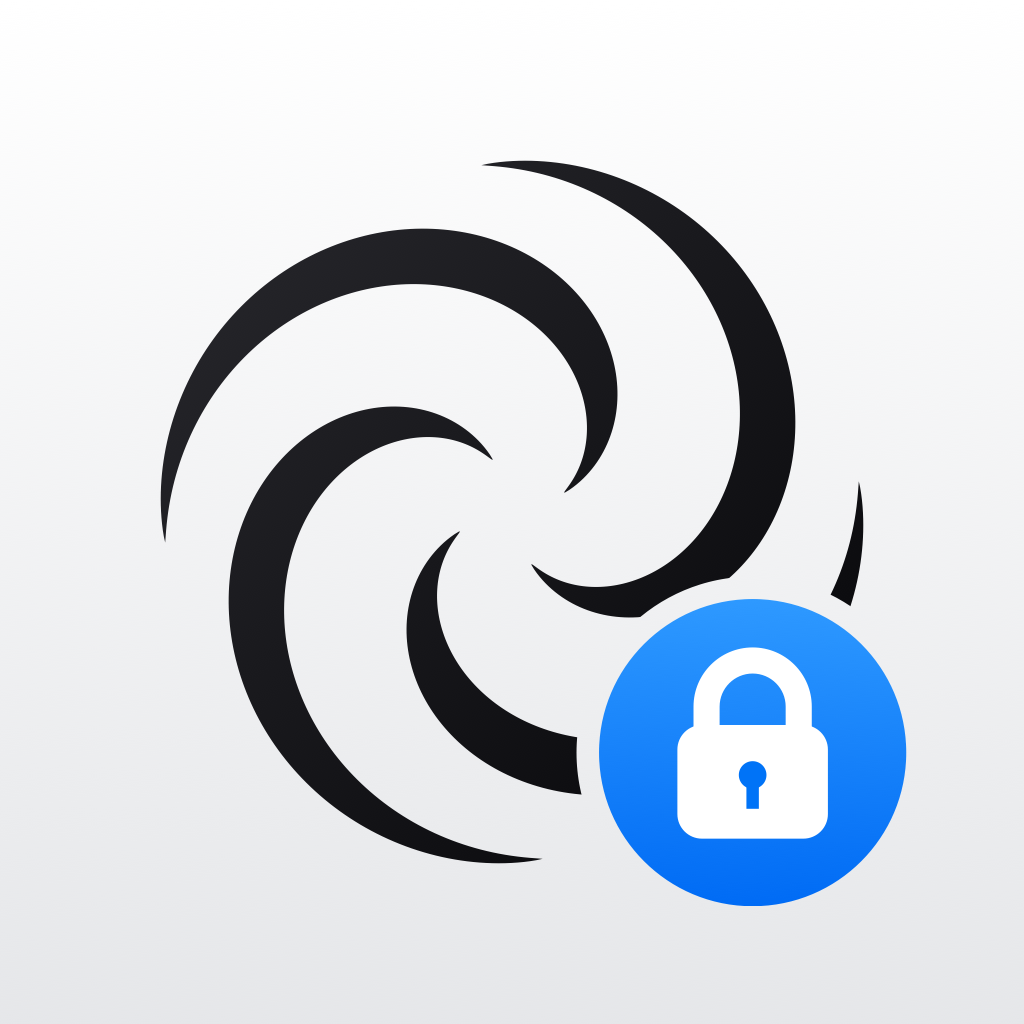
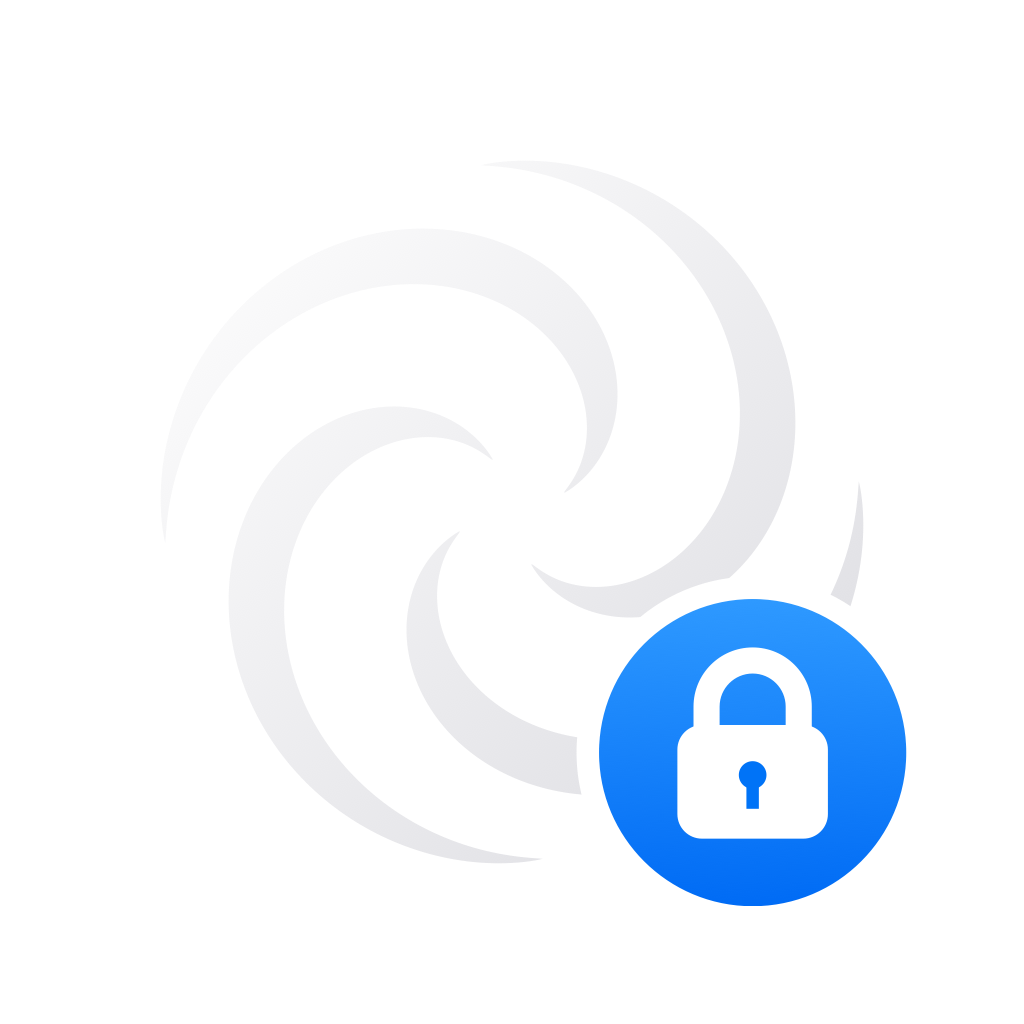
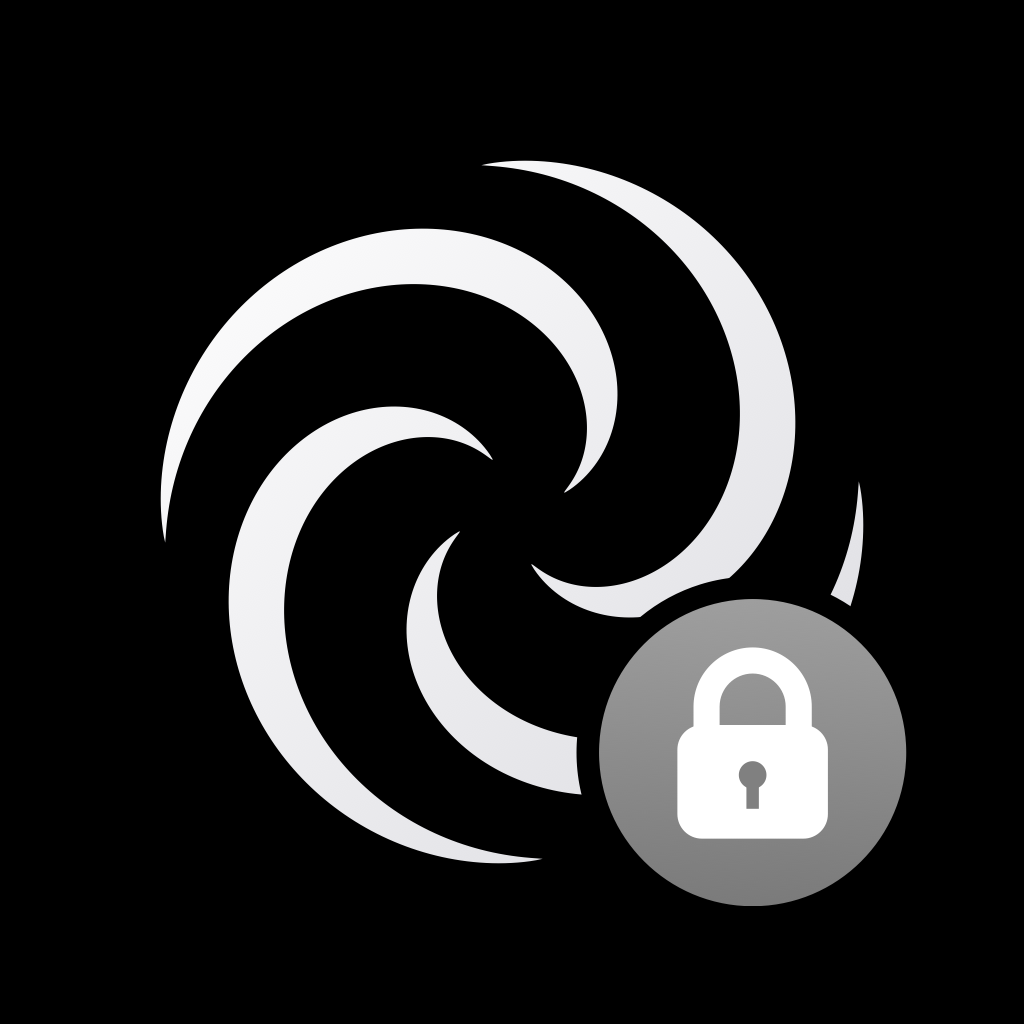


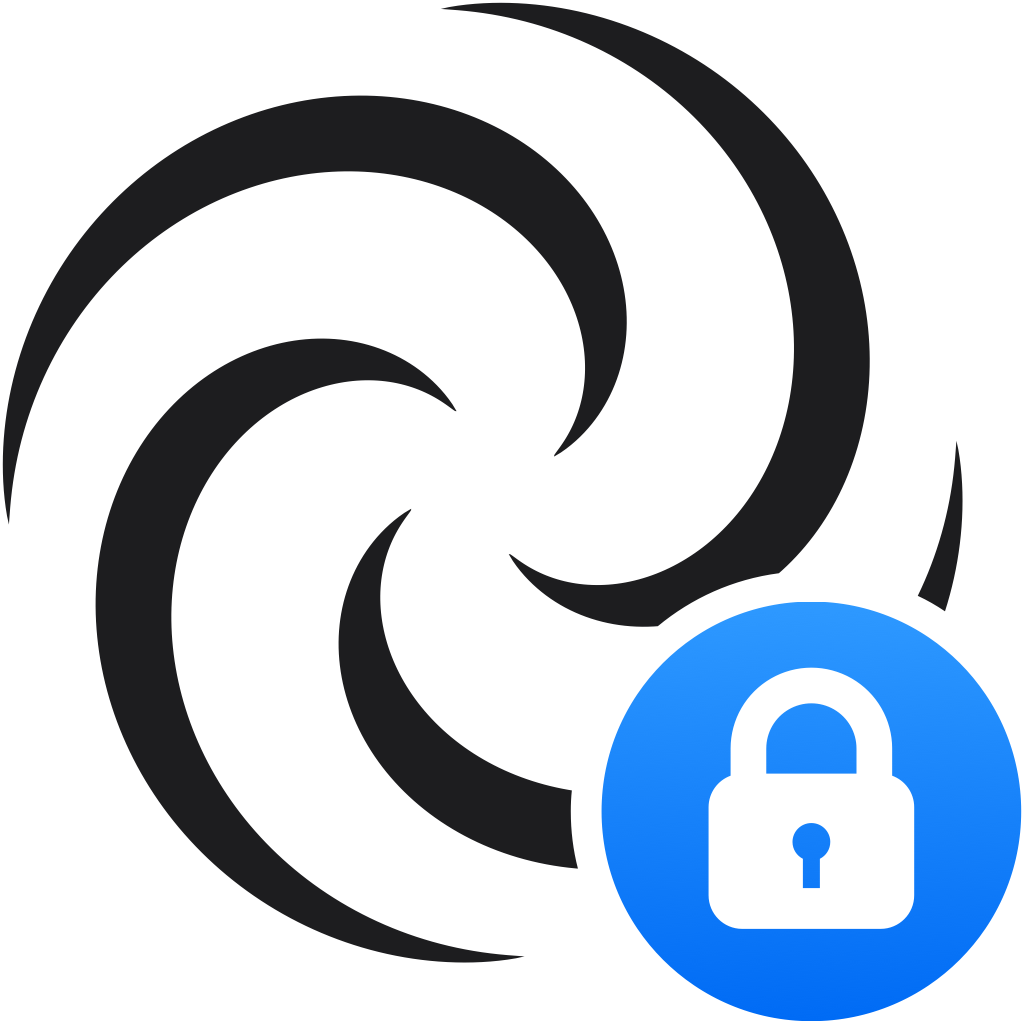


The dark icon has a clear background because iPhone draws its own dark backdrop behind it. To show it anywhere else, put it on near-black.
04 · Motion
The orb
While protection is on, the swirl turns and soft blue rings ripple out from it. Each time a tracker is blocked, a red ring bursts out. The lock stays still. The orb is the app's heartbeat.
- Use the real oneIn video and on the web, show the orb from the app or this page. Don't animate the logo files yourself.
- Don't cover or cut itPut counts and words beside the orb or under it, never on top of it.
05 · Color
Color
Mostly light grey and white, dark ink for words and the swirl, and one blue that means Privatize. Green, red and orange appear only to say what happened. Tap a color to copy it.
These are iPhone's own system colors, so the app feels at home there. In the app, use the system colors so dark mode adapts them; elsewhere, use the values above.
06 · Type
Type
In the app, iPhone's own font, SF Pro. On the web and in the logo, Inter Tight, a free font close to it. Bold, tight headlines and calm body text.
Web and logo
Aa
Inter Tight
Regular and Medium. Free under the SIL Open Font License, and served from privatizeapp.com itself. The wordmark is Inter Tight Medium, spaced 2% tighter and turned into outlines, so don't retype it.
ABCDEFGHIJKLMNOPQRSTUVWXYZ
abcdefghijklmnopqrstuvwxyz
0123456789
In the app
Aa
SF Pro
The iPhone system font, with SF Pro Rounded for the big blocked count. Use it only for the app's own screens and App Store screenshots, as Apple's license allows.
ABCDEFGHIJKLMNOPQRSTUVWXYZ
abcdefghijklmnopqrstuvwxyz
0123456789
07 · Words
Names and voice
Names
- Privatize
- One word, capital P. Not all capitals.
- Privatize: Ultimate Privacy
- The App Store name. "Ultimate Privacy" is the tagline.
- The Okay Company
- Always with "The". The legal name is The Okay Company LLC.
- Trademark sign
- Inside the app and in the App Store description, Privatize and The Okay Company carry the trademark sign. Leave it off the App Store name, the Home Screen name, legal sentences and the website. Never use the registered sign: the marks are applied for, not yet registered.
- Earlier names
- Don't use any name the app had before Privatize.
Voice
- Plain
- Short sentences and everyday words. "Block the trackers," not "mitigate telemetry."
- Honest
- Say what it does and what it can't. Privatize sees which servers apps reach, not what they send. It isn't a security product, so never call it one.
- Calm
- Show people what happens; don't try to scare them.
- American spelling
- Color, center, license.
Say
- "See which companies your apps talk to, and block the trackers."
- "Free, and it all stays on your iPhone."
- "It can't remove ads that come from the app's own servers."
Don't say
- "Military-grade protection."
- "Stops every hacker."
- "100% private, guaranteed."
08 · Care
Don't change the logo
The files are ready as they are. Here are the mistakes to avoid.
 Privatize
09 · Downloads
Every file
SVG for anything that scales, PNG with a clear background for everything else. Or get it all at once.
Download the kit ZIP, 1.8 MB, 27 files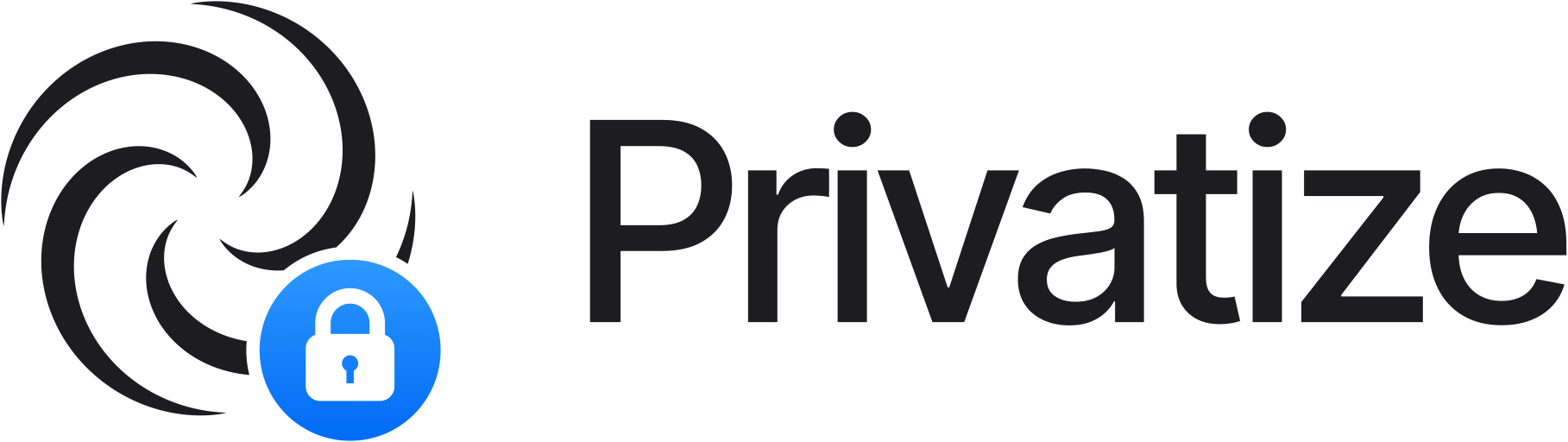

Questions about using the brand, or need something that isn't here? Write to contact@privatizeapp.com.